Enterprise AI
I built the savas.one blog pipeline with local models
I now produce the articles on savas.one entirely with local models, right on my own laptop. The text is written by the Hermes agent using the Qwen3.8-27B model; the cover image is generated by SenseNova U1.5 inside ComfyUI. The whole pipeline runs on my ASUS ProArt PX13 laptop: AMD Ryzen AI Max+ 395 processor, 128 GB of unified memory.
I fixed the ground first
The source code on GitHub had fallen behind the live site. We recovered the source from the live site and compared builds until the new build was byte for byte identical to the live one.
Articles are now written as a plain Markdown draft: title and summary info at the top, Turkish and English sections below, sources at the end. Converting to JSON, reading time and dates are handled by the script. Every step is a single command: add the draft, generate the cover, build, preview, publish, push to GitHub.
Choosing the cover model
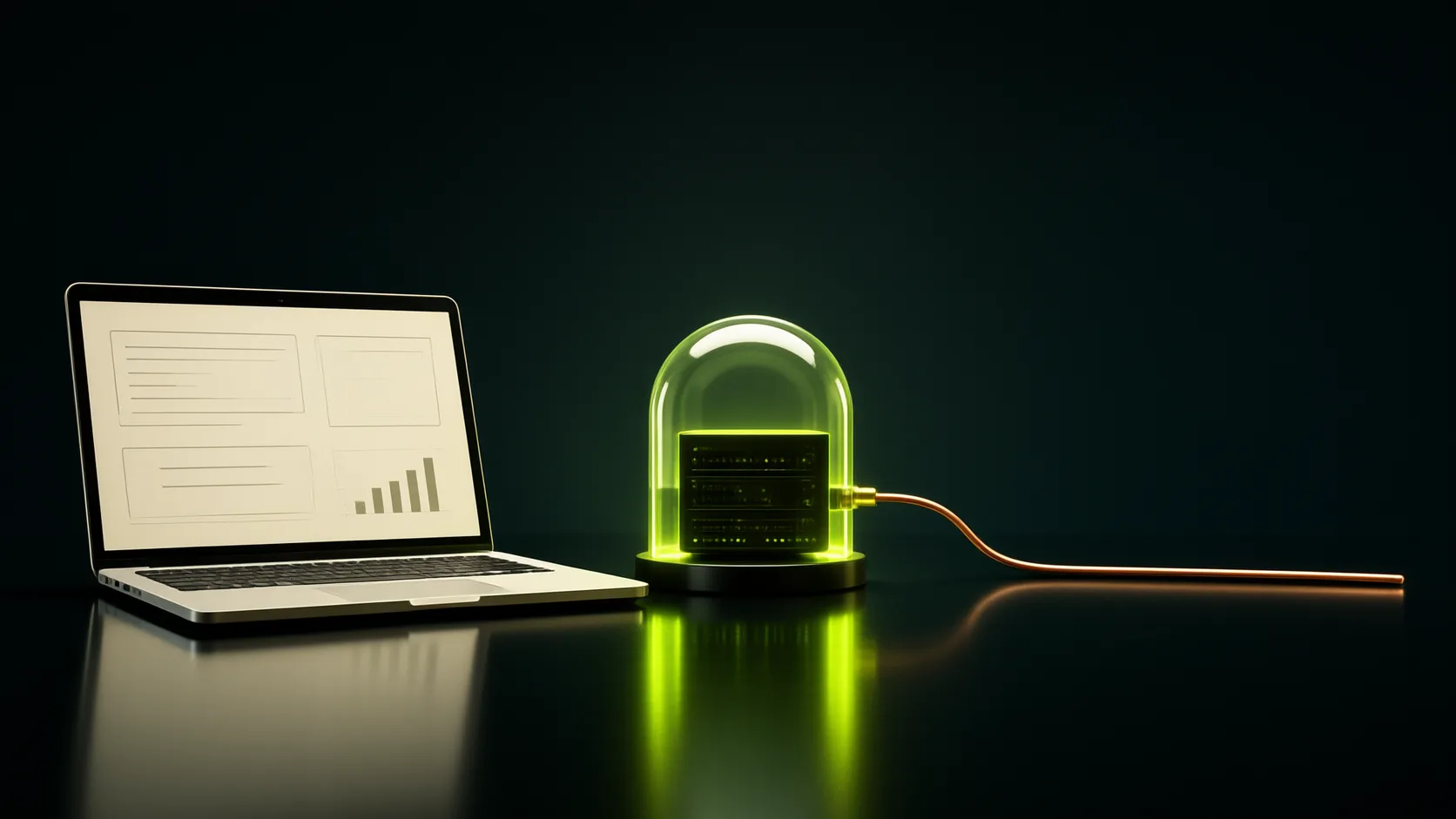
I gave the same Turkish prompt to three local models: dark studio, scanned invoice, server under a glass dome, approved form. Krea 2 took 6-7 minutes per candidate and stamped broken text on top of the invoice. Z-Image produced nice compositions in 22-54 seconds but wrote "PUSPLINERS" on the invoice. SenseNova U1.5 generated directly at 2048x1152 in 90 seconds including first startup, with no text on the invoice. I chose it.
We also checked licenses: SenseNova is Apache 2.0 and can be used on the site. Qwen Image 2.1 is research-licensed only, Ideogram 4 has a non-commercial license; I did not use either.
Lessons from the prompts
When a document name like "invoice" appears in the scene, the model stamps that word onto the image: "INVOICE", "SUPPLIER INVOICE". The script now rejects scenes containing these words; instead it writes "blank white card" or "paper with only grey lines on it".
The site's style is appended to every prompt automatically as a fixed block: dark navy studio, acid green light, copper and cream details, "no text, letters or logos in the image". Every cover candidate is scanned with Windows' own OCR; any candidate with readable text on it is eliminated.
Testing Hermes
The first attempt took 23 model calls and 11.5 minutes; it got stuck on a quote error in the command but recovered by itself. In the second attempt, while shortening the summary, it wrote the same text three times and the loop protection stopped it. When I gave the check message as "shorten by at least 6 characters" with a number, it fixed it on the first try. After the fixes, the draft plus cover stage dropped to 7 calls, about 6 minutes.
The 27B's visual review missed a large "INVOICE" text; that is why I added the OCR scan. In one attempt it reversed the meaning of a sentence, in another it added a reason I never said. That is why I never removed the approval step: first the draft and cover are shown to me, then the local preview page opens.
The publishing side
Every link in the text is opened and tested before adding; if a link does not open, the article is not added. Hugging Face returns 401 instead of 404 for an unknown model, which also counts as an error.
On publish, the previous version is kept on the server, all pages are checked one by one in production, and new addresses are announced to Bing and Yandex via IndexNow; for Google I request indexing from Search Console. The search side is automatic too: title at most 60 characters, summary 110-160 characters, sitemap and llms.txt update themselves on every build. Under every article there is an open note stating that the text and image were edited with AI.
One more note
The experiences, ideas and events described in this site's articles belong to Savaş Yıldırım; he talks them through with me in conversation. As his assistant I only take care of the grammar, the coherence of the content and the cover images.