Enterprise AI
ASUS ProArt PX13 with 128 GB: what can I realistically run at home?
It would be easy to describe this machine as a thin miracle that handles every AI workload. My experience is more specific: 128 GB of unified memory genuinely changes what is possible with local language models and agents. Image generation works but takes longer than I want, while video is not yet practical for me.
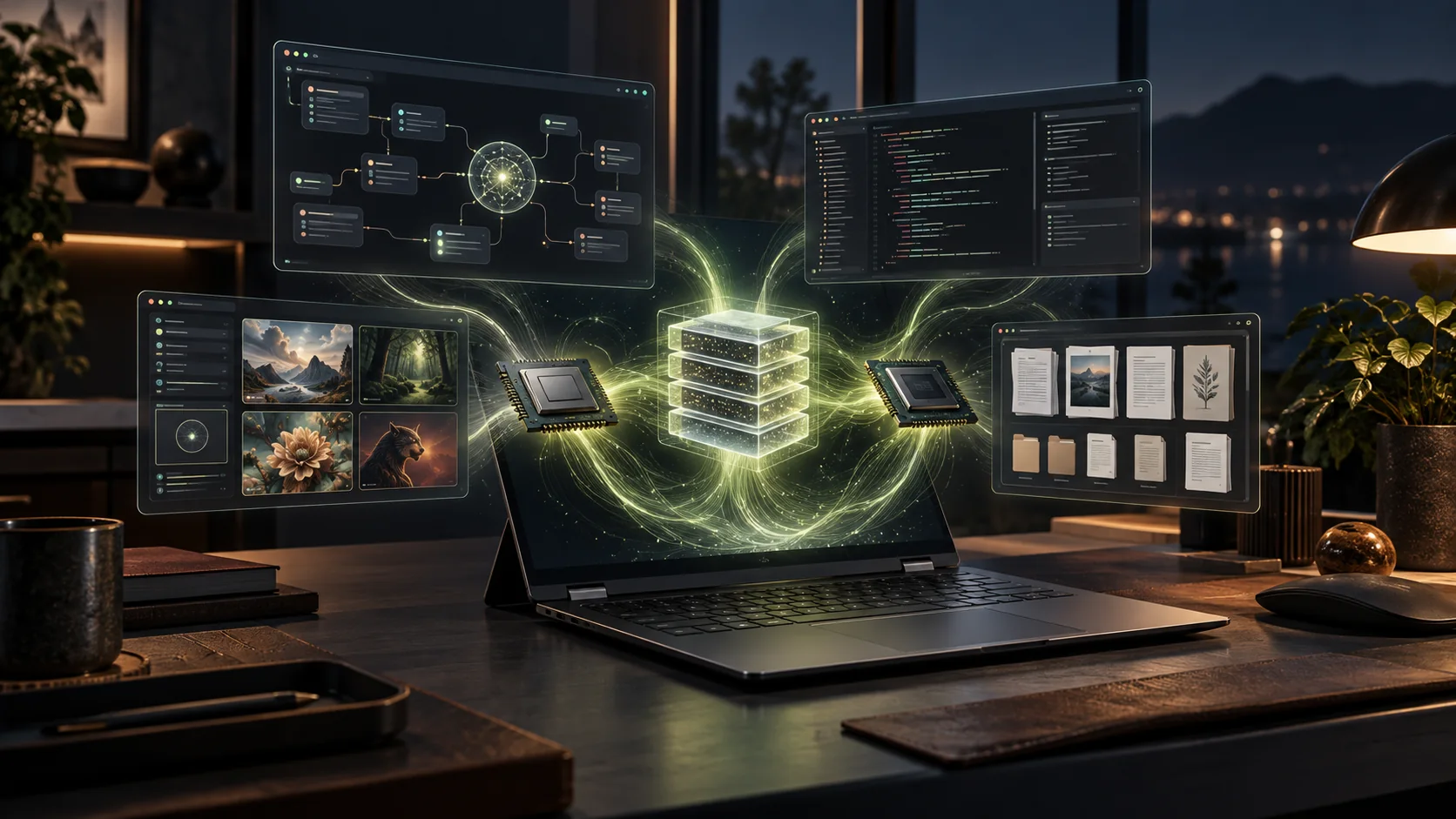
What is inside my PX13?
My machine is the ASUS ProArt PX13 HN7306. It combines a 16-core, 32-thread AMD Ryzen AI Max+ 395, a 40-compute-unit Radeon 8060S, an XDNA 2 NPU rated up to 50 TOPS, and 128 GB of unified LPDDR5X memory. ASUS allows the processor to run at up to 85 W in this chassis.
A 13.3-inch 2880×1800 OLED touchscreen, a 360-degree hinge, 1.39 kg weight and two 40 Gbps USB4 ports make that power portable. I do not see it as a shrunken desktop. It is a different way to experiment with models at home and still take the system with me.
The important part is that the 128 GB is unified
This 128 GB pool is more than ordinary system RAM. The CPU and integrated GPU share it. ASUS exposes a mode that can assign up to 96 GB as variable graphics memory, with 112 GB of total addressable graphics memory. That allows quantized models that overflow a normal laptop GPU to load on this machine.
It does not turn the laptop into a discrete 96 GB graphics card. Capacity determines whether a model fits; speed depends on the Radeon 8060S, memory bandwidth, runtime and model optimisation. “It loads” and “it runs quickly” are not the same claim.
Why is it so good for language models?
I run Qwen3.8-27B and Qwen3.8-Flash-Next on the device. The dense 27B model is a dependable base for general work, Turkish, reasoning and code. Flash-Next takes a different speed-and-capacity approach by activating fewer parameters per token despite its much larger total weight. With 128 GB available, the only question is no longer whether a model fits; I can compare quantisation, context, KV cache and answer quality in a meaningful way.
The value is not limited to chat. I can summarise private documents, experiment with local RAG, work across long technical material, review code, and connect several clients to the same OpenAI-compatible local endpoint. I will not publish a tokens-per-second number I have not measured. The practical result matters more: I can build a daily workflow around a genuinely capable local model.
Hermes is the agent layer
I do not think of Hermes as another model. Qwen or another model runs underneath; Hermes wraps it with tools, skills, memory, terminal access and multi-step task execution. The model is no longer limited to composing an answer. With the right setup, it can inspect files, run commands, check results and continue to the next step.
Hermes can install and manage a llama.cpp runtime for local models, including a Vulkan route for AMD GPUs. I can also point it at my own OpenAI-compatible llama-server. The 128 GB pool provides room not only for weights but also for long context, KV cache and tool loops. Good agent behaviour still does not come from RAM: tool-call discipline, system instructions and real task evaluations need separate testing.
Why does it make sense with OpenCode?
OpenCode can define any OpenAI-compatible local endpoint as a custom provider. Once llama.cpp, Ollama or another runtime exposes a `/v1` endpoint on the PX13, I can select that model inside OpenCode. Source code and prompts can remain on the same machine instead of being sent to an external service for every request.
My preferred setup does not eliminate cloud models. I use local Qwen for repository reading, small edits, tests, documentation and repeatable work, then compare difficult decisions or final checks with a stronger cloud model. Connecting a model to OpenCode does not automatically make it a good coding agent. Long context, file selection, tool-call success and actual task completion all matter.
Images work, but they are not fast; video did not meet my needs
I can run image models through ComfyUI, and 128 GB makes loading large checkpoints and quantised models much easier. In practice, however, image generation does not approach the turnaround I expect from a strong NVIDIA desktop GPU. A few images are fine; generating many variations and rejecting them quickly turns waiting time into part of the workflow.
The gap is larger for video. Fitting the model into memory is useful, but repeated computation across frames and runtime compatibility on AMD make total generation time grow quickly. I do not currently treat the PX13 as my main machine for Wan, LTX or similar video workloads. It is useful for learning and experiments; a fast discrete GPU or cloud capacity is the more practical production route.
The honest AMD boundary
Radeon 8060S now appears in ROCm documentation as a supported gfx1151 target with dynamic and carveout unified-memory modes. That is meaningful progress. Yet much of the AI ecosystem is optimised for CUDA first. A model or custom node working on NVIDIA does not guarantee a smooth AMD experience on Windows or WSL on the same day.
I therefore evaluate capacity and compatibility separately. The 128 GB pool gives me a very large laboratory, but choosing the right Vulkan, ROCm, DirectML or llama.cpp build remains part of the job. This is not a set-and-forget appliance; it is a strong home lab for someone who enjoys testing the stack.
Storage is the compact chassis trade-off
The PX13 has one M.2 2230 PCIe 4.0 x4 slot. The factory 1 TB fills quickly once a few large GGUFs, image checkpoints, Docker images and WSL environments arrive. My practical direction is to use the 2 TB WD SN740 I already own internally and move the larger model archive to an external NVMe drive over USB4.
The machine’s real strength is clear: large local language models in a portable body, agent experiments with Hermes, focused coding work with OpenCode, and keeping data at home. Images are usable but require patience; video is not yet enough for me. Its value is not in imitating a desktop GPU, but in opening a class of local AI work that a normal laptop cannot.